
It watches
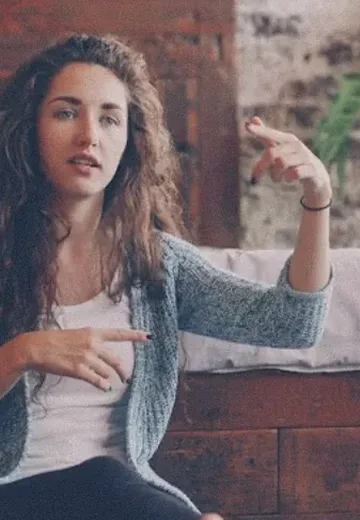
Three frames from every clip, the date and the place it was taken.
For creators who film everything on their phone
Drop a trip’s photos, clips and voice notes into one folder and type pack. Every file gets a name that says what’s in it, sorted into albums you check first.
One payment · Mac or Windows · runs in the Claude app




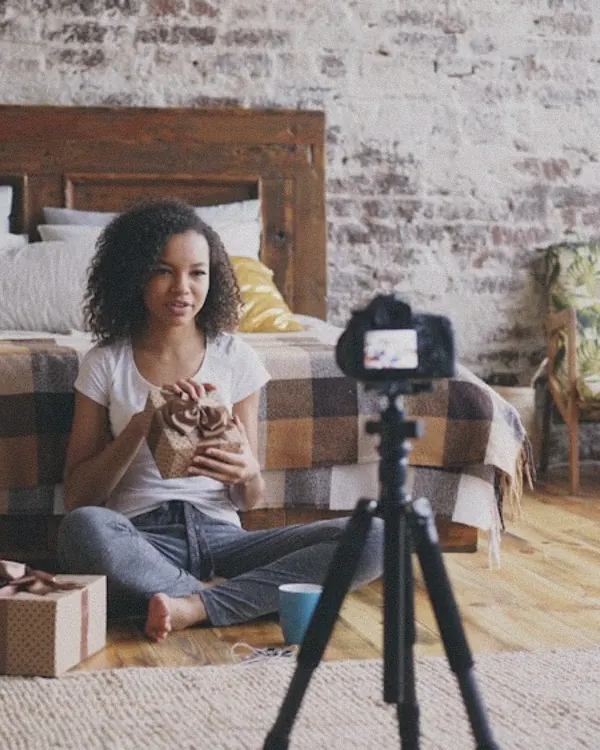
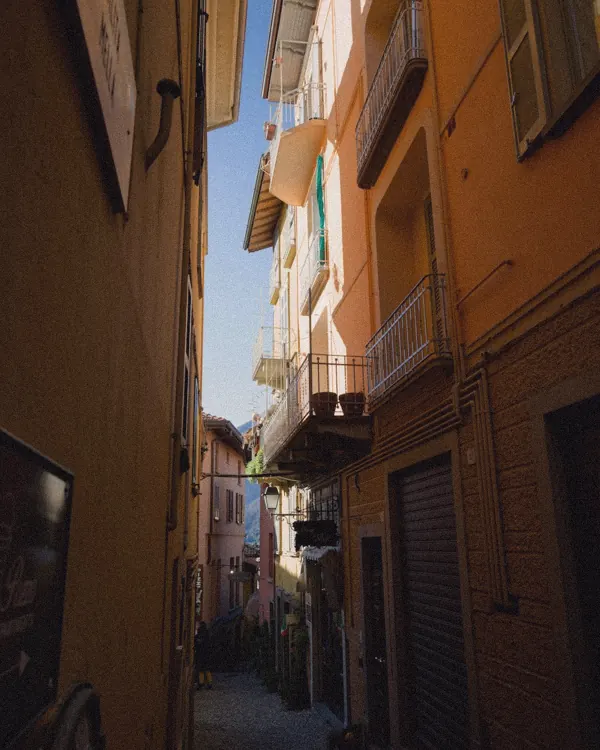
A Mac or Windows computerYour shoot gets sorted there, not on your phone.
The Claude app with Claude ProFree to download. Pro is $20 a month, paid to Anthropic.
About 10 minutes, onceA guide with a picture for every step.
Camera names in, real names out, and every file in its album.
The date can go in front too (2026-10-14 how I pack…). Doubles are set aside, never deleted.

Pack me
A folder on your Desktop. Photos, clips, screenshots, voice notes, music: all of it, as it came off your phone.
Claude asks how you want it sorted, then looks at every file while you watch.
Every new name on one screen. Drag a file to another album or rename anything. Nothing moves until you say so.
Three frames from every clip, the date and the place it was taken.
The first seconds of every clip and voice note, so takes, voiceovers and music get told apart.
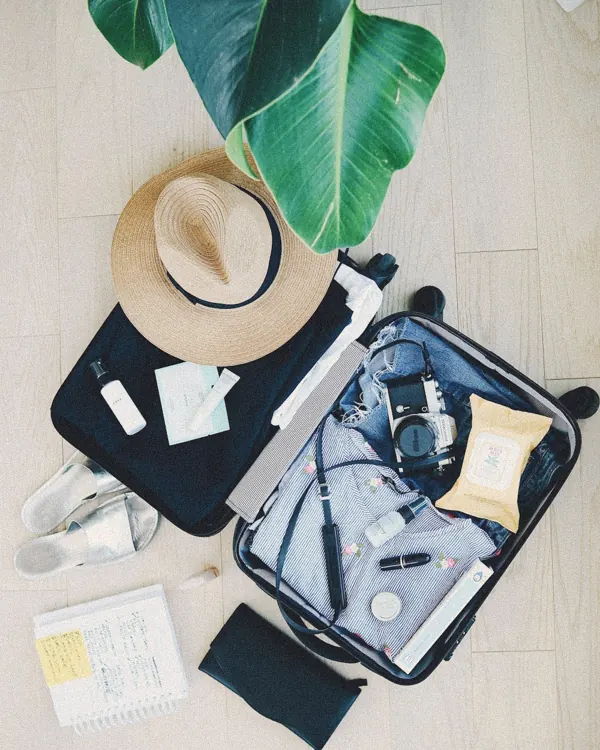
“okay so here’s my bag for Lisbon, everything I’m bringing…”
becomes how I pack for Lisbon – take 2.mov
The same faces across your shoot are grouped. Tell it once who they are and their names go into the file names.
 me140 files
 Anna31 files
 Who?9 files
Pick one when you start. Same files, four ways. Tap to see.
$14.95once
A Mac (macOS 13 or newer) or a Windows 10 or 11 PC.
The Claude desktop app on a paid plan. Claude Pro is $20 a month, paid to Anthropic, not to us. Shootpacked runs inside it.
If you can drag a folder and type one word, yes. After you buy, you get an email with one message to paste into Claude, and a guide with a picture for every step. Claude sets Shootpacked up for you in a few minutes.
No. Your originals stay on your computer. To name them, Claude sees small previews and the first seconds of speech as text, through your own Claude account, the same as when you send Claude a photo. Faces are matched on your computer only.
No. It only renames and moves files inside the folder you gave it. Duplicates go to Doubles. One click on Undo puts every file back where it was.
A weekend trip or a few hundred files is one sitting. Thousands of files work too; on Claude Pro a very big shoot can use up your Claude limit for a few hours. Everything named so far is saved, and it picks up where it stopped.
No. Mac and Windows both work. You need a computer, not just a phone: that’s where your shoot gets sorted.
Write to us. If we can’t make it work, you get your money back within 14 days.
$14.95 once · Mac or Windows · 14 days to change your mind
$14.95 onceMac & Windows
Get Shootpacked