Your holiday, sorted by day, place and person.
You’re back from a week in Portugal, a wedding or a birthday, and the folder says IMG_5012, IMG_5013, IMG_5014… six hundred times. Shootpacked sorts them into albums you can actually use, and gives every photo a name that says what’s in it.
Pay once · Mac or Windows · no YouTube channel needed
- Day 1 · Lisbon214 photos



- Day 2 · Sintra163 photos
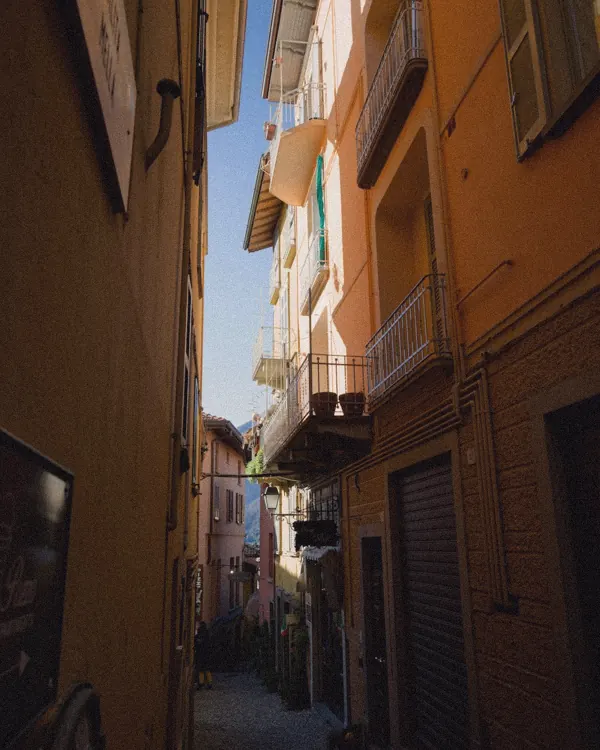


- Day 3 · Cascais187 photos
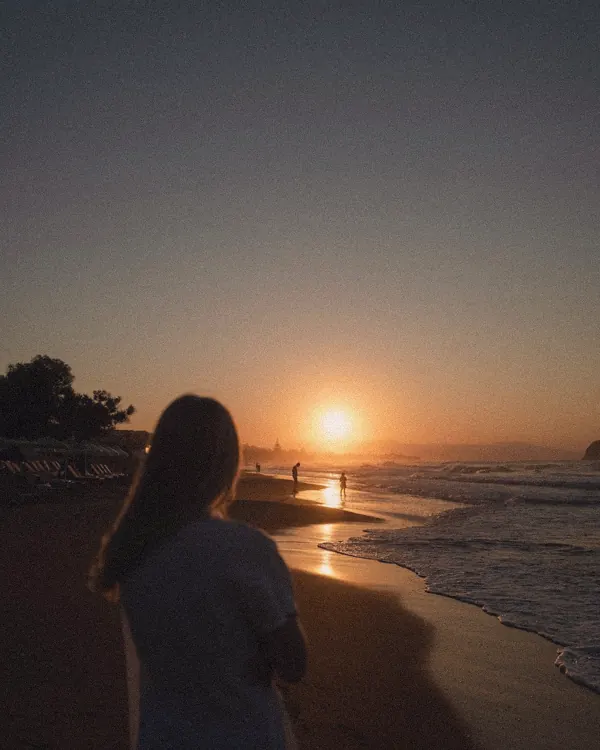

A sample Lisbon trip. Your own photos look better.
Two ways that fit a holiday or a party.
Pick one when you start. The same photos, two different albums.


“No date” catches photos a messaging app stripped the date from.
Every photo gets a real name.
Shootpacked looks at each photo and writes the name a person would write. Years later, you search for “cake” and find it.
IMG_5012.HEICAnnabirthday cake, Anna blowing out the candles.heicIMG_5031.JPGTogethereveryone at the long table, sunset.jpgIMG_4830.HEICDay 1 · Lisbontram 28 in Alfama, morning.heicIMG_5044 (1).HEICDoublesthe same photo twice, kept safe, not deleted.heic
How it works.
-
Put the photos on your computer
In one folder called Pack me. AirDrop them from an iPhone, import them on Windows, or download the album from Google Photos or iCloud.
-
Type
pack my shoot
in ClaudeChoose By day and place, or By person. If the same faces keep coming back, Claude asks you once who they are.
-
Check it, then press Pack
Drag anything that’s in the wrong album, then press Pack. One click on Undo puts every photo back.
Your photos stay yours.
- They stay on your computer. To name them, Claude sees small previews through your own Claude account. The originals never leave.
- Faces are matched on your computer only. Nobody else learns who Anna is.
- Nothing is ever deleted. Duplicates go to a pile called Doubles.
- One click undoes it. Every photo goes back to its old name and place.
Good to know.
A Mac or a Windows PCand the Claude desktop app on a paid plan. Claude Pro is $20 a month, paid to Anthropic.
One event at a time works bestA holiday, a wedding, a weekend. Thousands of photos work too, but a very big batch can use up your Claude limit for a few hours. It picks up where it stopped.
JPG, HEIC, PNG, DNG and TIFFplus phone videos and voice notes. Camera RAW files (CR3, NEF, ARW) aren’t read yet.
Questions
I’m not a YouTuber. Is Shootpacked for me?
Yes. It was made for creators, but it works on any photos and videos: a holiday, a wedding, a birthday, a school trip. Choose By day and place or By person, and every photo also gets a name that says what’s in it.
Can it sort photos by date and place automatically?
Yes. It reads the date and, when the phone saved it, the place from each photo, and makes albums like “Day 1 · Lisbon” and “Day 2 · Sintra”. Photos without a date go to No date.
Can it sort photos by person?
Yes. It finds the faces that keep coming back, asks you once who they are, and makes an album for each person you name, plus Together for photos with several of them. Faces are matched on your computer only.
Does it work with Google Photos or iCloud?
Download the album to your computer first (it usually comes as a .zip), then put the photos in the Pack me folder. Shootpacked sorts files on your computer, not inside Google Photos or iCloud.
Which files does it read?
JPG, HEIC from an iPhone, PNG, DNG, TIFF and GIF photos, the usual phone and camera videos, and voice notes. Camera RAW files such as CR3, NEF or ARW are not read yet.
What does it cost?
US$14.95 once, €13.95 in Europe, less in some countries in your own currency. No subscription. You also need the Claude desktop app on a paid plan, paid to Anthropic. If Shootpacked doesn’t work for you, you get your money back within 14 days.
Bring the whole trip home, sorted.
$14.95 once · Mac or Windows · 14 days to change your mind
Want to rename files by hand or in a batch instead? See how to rename photos and videos.